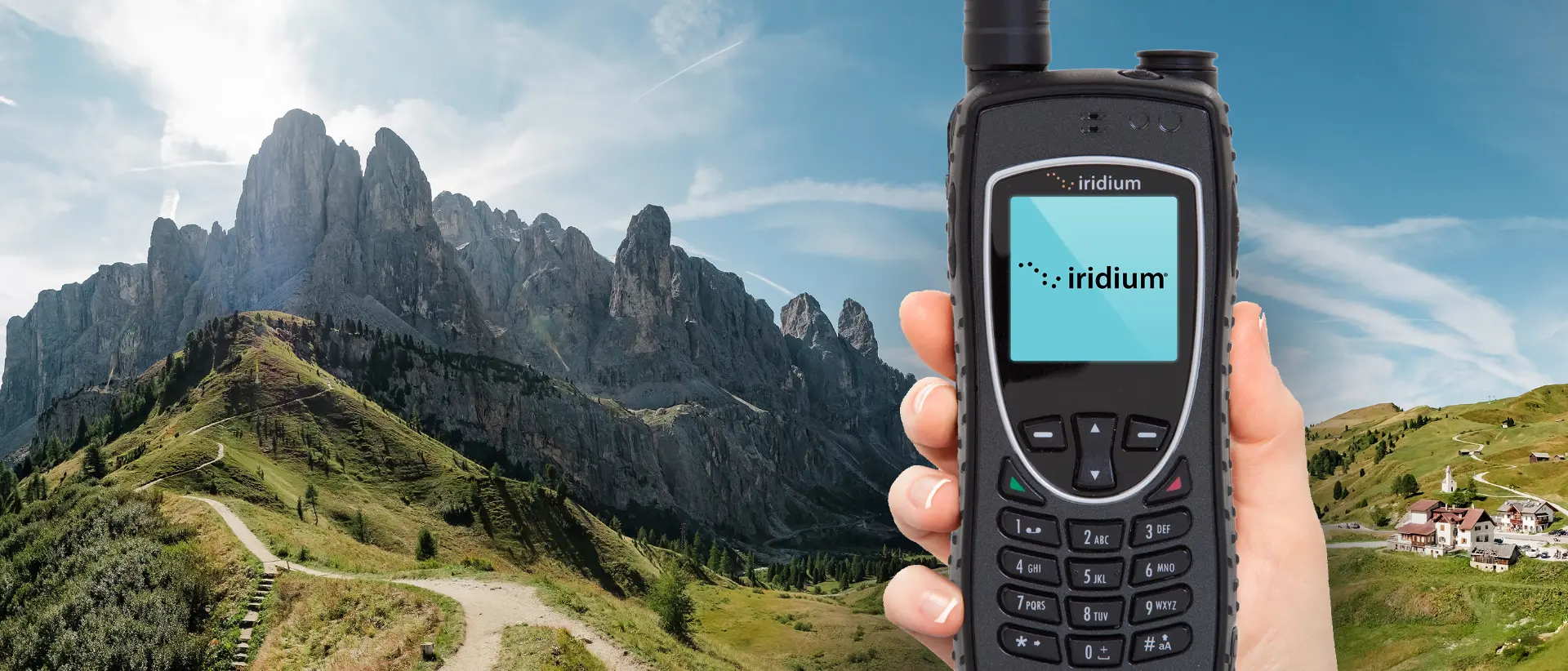
Quick Start
Iridium 9555 Satellite Phone Quick Start Instructions
|
Iridium 9555 Start Up Instructions
To use your Iridium 9555 satellite phone
a) you need to be outdoors with a clear view of the sky and away from buildings and tall structures. This will ensure optimal call quality and the fewest dropped calls.
b) the antenna is fully extended and rotated towards the sky (signal strength will be indicated on the top left hand corner of the display)
c) and that phone is powered on by pressing and holding the "ON / OFF Button" for 5 seconds until the display illuminated. The phone will power on, search for a satellite and register with the Iridium network, which typically takes 30-90 seconds. When the display reads 'REGISTERED', the phone is ready for use.
Making a call from the Iridium 9555 satellite phone - Calling to Canada / USA - dial 00 1(area code)-(7-digit phone number) ex. 00 1 403 918 6300.
- International Calling - dial 00 (country code) (actual number)
- Iridium to Iridium Calling - dial 00 (12 digit Iridium number)
|
 |
Making a call to the Iridium Phone
- Calling from Canada / USA - dial 011 (12 digit Iridium number)
- International Calling - 00 (12 digit Iridium number)
- Two Stage Dialing - Dial 1 480 768 2500, wait for prompt, enter 12 digit Iridium number.
Voicemail
- Dial 8816 629 90000
- Wait for voice prompt
- Enter 12 digit Iridium number
- Interrupt voicemail greeting by pressing *
- Wait for prompt to enter password (last 7 digits of your phone number)
Using SMS (Short Message Service)
To use SMS text messaging, ensure the SMS message centre number is set. To do this
- Press the envelope key on the handset
- Use the Scroll Key to select the 'Message Settings' option. Press OK.
- Use the Scroll Key to select the 'Service Centre' option. Press OK.
- Enter 00881662900005 or +881662900005. Press OK.
- The phone will momentarily display 'Completed'
To enable people to send an SMS text message to your Iridium phone, go to http://messaging.iridium.com. Enter the 12 digit Iridium number, return email address, message and send. It is free to send and receive text messages via this service.
For people to send and receive SMS text messages from email addresses, Iridium subscribers will be able to receive SMS messages via [email protected] where MSISDN is the 12 digit Iridium number.
Sending SMS messages to an Iridium phone from a cellular phone is a function of the cellular phone provider. Service levels may vary greatly, for example some provider messages are delivered within a few seconds, but others take more than a day to be delivered.
Useful Numbers
#4493 - Iridium Customer Service
2888 - Allows Iridium users with pre-paid sim cards to check minute balance / expiry date.
Useful Numbers
#4493 - Iridium Customer Service
2888 - Allows Iridium users with pre-paid sim cards to check minute balance / expiry date.